
Simple pixel canvas
Draw a message or image with a clear grid and your own colours.
Personal pixel messages for Android
Pixelsend
Create a small pixel drawing and send it directly to an approved contact.
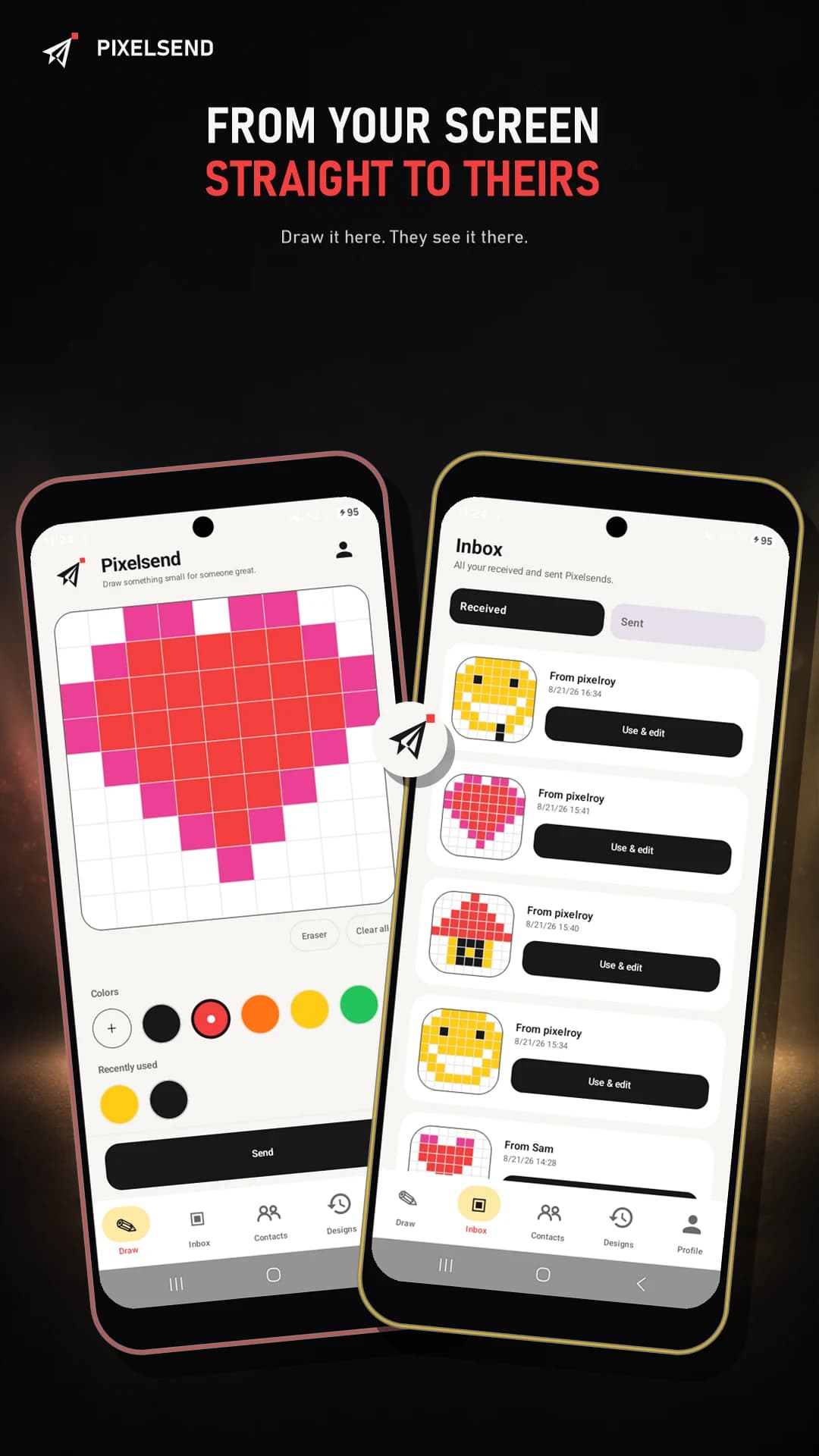
Pixelsend keeps sharing personal and focused. Draw with a simple colour palette, send your creation and see received Pixelsends in the app or on your home screen widget.
Pixelsend
Draw a message or image with a clear grid and your own colours.
Send Pixelsends directly to people you have added and approved.
View received creations in the app and place them on your home screen.
Inside the app
The drawing canvas and inbox keep every step compact and easy to understand.
Privacy
Pixelsend has no public feed or advertising. You decide which contacts can exchange pixel drawings with you.
Get Pixelsend for Android from Google Play.